
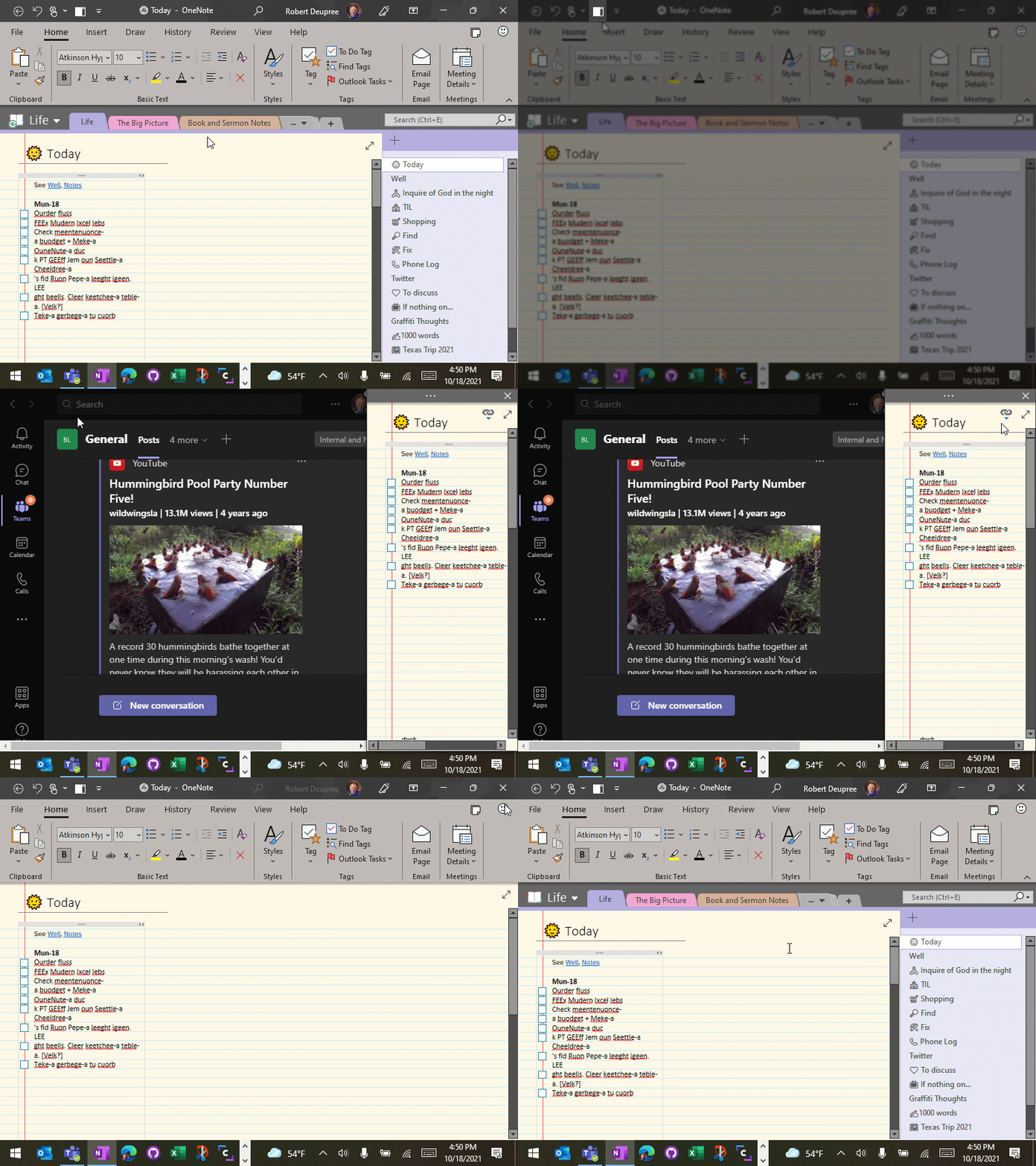
Now that the full desktop version of OneNote has made its triumphant return, here is a quick way to dock and undock your notes quickly. Why? Because you can keep a narrow but-always-visible note pane on the side that won’t interfere with other apps, even when you Maximize them. For example, it’s my favorite way to keep notes in a Teams meeting.
In OneNote, select View, right-click Dock to Desktop, and then Add to Quick Access Toolbar. Then use the icon to quickly dock and undock.
 The Elements of Simple